There are no items in your cart
Add More
Add More
| Item Details | Price | ||
|---|---|---|---|

OpenAI’s new Dots are designed to work on your goals in the background, use your apps, and learn how you prefer to get things done.
September 30, 2026
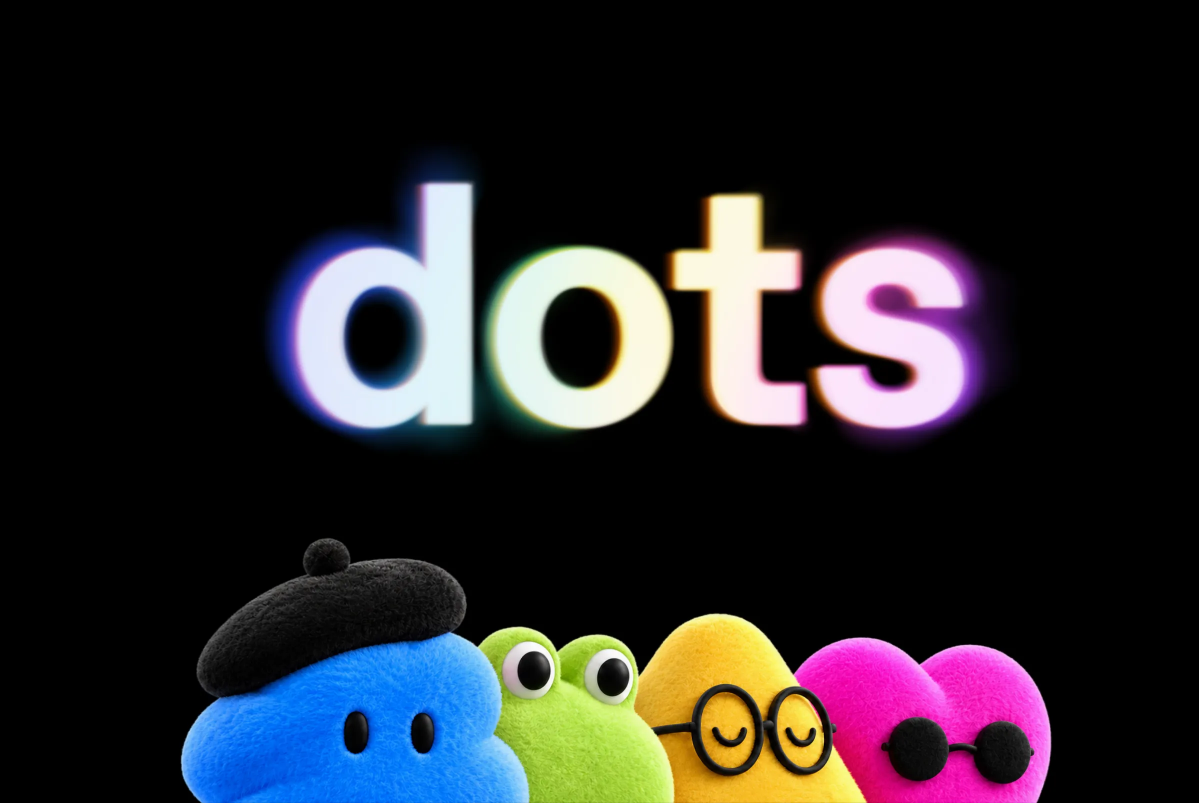
There is a small but important difference between asking an AI to do something and actually giving that task to an AI.
With a chatbot, you usually sit down, type an instruction, wait for the answer, make a correction, and then continue the conversation. The AI is useful, but you are still the person driving every step.
OpenAI’s new Dots are built around a different idea.
Introduced at OpenAI’s DevDay 2026, Dots are always-on AI agents designed to work toward goals over time. They can work in the background, use connected applications, operate through their own cloud computer and browser, and learn from the way you work.
That sounds like a small change in wording, but it changes the role AI can play in a workflow.
At its simplest, a Dot is an AI agent that you can give an ongoing responsibility to.
Instead of opening ChatGPT every time you need something done, you can set up a Dot around a particular goal or workflow and let it continue working on that task.
For example, imagine that you are working on a software project. You could use a Dot to keep track of smaller issues, investigate customer feedback, work through documentation, and prepare updates while you focus on the larger parts of the project.
Or imagine a researcher who regularly follows a particular topic. Rather than starting a fresh research session every morning, a Dot could keep working with the information and context it has been given and surface something when there is a meaningful update.
The important part is continuity.
A Dot is designed to remain associated with the goal instead of disappearing when a single conversation ends.
The phrase always-on is probably the easiest way to understand what OpenAI is trying to build.
Most AI tools are still based on a simple interaction loop:
You ask → AI responds → you decide what happens next.
Dots introduce another possibility:
You give the AI a goal → the AI continues working on it → you review the useful results.
That does not mean a Dot is blindly making decisions all day. OpenAI has built permissions and approval controls into the system, particularly for actions that could have meaningful consequences.
But the basic workflow is different. The AI can remain active even when you are not sitting in front of it.
This is one of the more interesting technical details of the launch.
A Dot does not simply exist as a chat window inside ChatGPT. OpenAI says each Dot gets its own cloud computer and browser.
Why does that matter?
Because an agent that can only generate text has limited ability to actually carry out work. An agent with a computer environment can interact with websites, files and software in a way that is much closer to how a person performs digital work.
That gives Dots a place to actually do things.
OpenAI also says users can see what a Dot is doing through its computer environment. This provides a way to inspect the work rather than simply receiving a mysterious result at the end.
Another important piece is connectivity.
OpenAI says Dots can connect to more than 4,000 applications through its plugin ecosystem. That means the agent can potentially work with the software you already use instead of keeping everything inside one AI interface.
For someone working across documents, communication platforms, project-management tools and other services, that can make a big difference.
Consider a simple project update.
Normally, you might have to check several places to figure out what changed, collect the information yourself, prepare an update and then share it with your team.
A connected AI agent can potentially handle much of that process by pulling information from the relevant applications and preparing the result for you.
That is where the idea of an AI agent becomes more practical. The value is not just in generating better text. It comes from being able to move between the tools where the actual work happens.
OpenAI says Dots can work on several projects at the same time.
This is another difference from the usual chatbot experience.
You might have one ongoing project involving software development, another involving research, and another involving content. Instead of creating a new conversation and rebuilding the context every time, Dots are designed around longer-running work.
The idea is closer to having an assistant who remembers what each project is about and can return to it when needed.
That persistent context becomes particularly useful for work that does not have a clean beginning and end.
OpenAI also wants Dots to become more personalized over time.
The system can learn from your feedback and understand things such as your preferences, goals and the way you normally approach certain tasks.
For example, suppose you regularly ask an AI to prepare research notes.
Over several interactions, you might repeatedly make the same corrections: remove unnecessary background information, put the important findings first, use fewer headings, or focus more heavily on primary sources.
With a conventional chatbot, you may need to repeat those preferences from time to time.
With Dots, the goal is for those preferences to become part of the ongoing working relationship.
It is a simple idea, but it becomes much more useful when the AI is handling a task repeatedly rather than just answering a question once.
The potential use cases are broad because Dots are not designed around one particular profession.
OpenAI has shown examples involving software development, research, sales and content creation.
A developer could use a Dot to keep an eye on smaller software issues, investigate bugs and prepare changes for review.
A researcher could use one to follow incoming information, repeat analysis when new data becomes available, and flag unusual results.
A sales team could use a Dot to work through customer requirements, prepare proposals or maintain related documentation.
For content teams, an agent could potentially take a transcript and help turn it into show notes, clips, social posts and other pieces of content.
The common thread is that these tasks do not necessarily require a person to sit there and manually perform every individual step.
This is where Dots get particularly interesting.
OpenAI says Dots can perform Proactive Research when you are not actively interacting with them.
In this mode, Dots can look through connected information in a read-only way and try to identify things that could be useful to you.
That could mean noticing a change in a project, finding relevant information, or preparing something that may need your attention.
There is an important distinction here. Proactive research is not the same as giving the AI unlimited permission to change things in your accounts.
OpenAI says background proactive work uses read-only access, while actions that modify systems or involve sensitive operations can require explicit permission.
That separation is important because an AI that can constantly observe your work is powerful, but an AI that can constantly change things without asking would introduce a very different level of risk.
Yes.
OpenAI has included Custom Rules that allow users to specify how a Dot should behave.
You can define which types of actions it can take automatically and which ones should require your approval.
For example, you might allow a Dot to research information, create drafts and modify files in a specific workspace, while requiring approval before anything is sent externally.
OpenAI also says its auto-review system checks proposed actions against the user's instructions, rules and safety requirements.
That does not make an autonomous agent error-proof. It simply provides another layer between the AI's intention and an action that could have real consequences.
You can already ask ChatGPT to research something, analyze information, write code or work with files. So why create Dots?
The answer is mainly about persistence and delegation.
With normal ChatGPT usage, you are generally starting an interaction and directing the work yourself.
With a Dot, you can hand over a larger responsibility and expect the agent to continue working on it.
That difference becomes more obvious with tasks that stretch across hours, days or even longer periods.
It is less about getting a better answer to a single question and more about changing who is responsible for keeping the work moving.
Dots make more sense when viewed alongside the other agent products OpenAI has been building.
Codex focuses heavily on software engineering. ChatGPT Work is designed for longer, multi-step professional tasks. OpenAI has also introduced infrastructure such as its Agents API for developers building their own cloud-based agents.
Dots bring a similar agentic idea directly into the everyday assistant experience.
The direction is fairly clear: AI is moving from systems that simply generate content toward systems that can use tools, operate computers and manage longer-running tasks.
Dots are one of OpenAI's clearest attempts to package that idea into something an ordinary user can delegate work to.
For now, users start with one Dot.
But OpenAI has described a longer-term vision in which teams of Dots could work together.
That could eventually mean having different agents responsible for different parts of a workflow: one for research, another for coding, another for operations, and another for communication.
That possibility is probably more interesting than the first version of Dots itself.
If AI agents can eventually coordinate with one another, the computer may become less of a tool we operate and more of an environment where AI systems carry out parts of our work.
But that is still a future direction, rather than something users should assume they can fully do with the first version of Dots.
Strip away the product terminology and the concept is fairly straightforward.
OpenAI Dots are persistent AI agents designed to take responsibility for ongoing tasks.
They have their own cloud computer and browser, can connect to thousands of applications, can work across multiple projects and can use feedback to better understand how you prefer to work.
The interesting part is not that Dots can write, research or code. AI systems can already do those things.
The interesting part is what happens when you stop treating AI as something you have to constantly operate.
Instead, you give it a job.
That shift is still in its early stages, but Dots are a clear example of where AI products are heading: from answering individual prompts to taking on pieces of ongoing work.
OpenAI Dots are an early look at a different kind of AI assistant, one that is expected to remain available, maintain context and continue working after the initial conversation.
For now, the most useful way to think about them is not as a replacement for ChatGPT, but as another layer on top of it: an agent that can take a longer-running responsibility off your plate.
Whether that becomes genuinely useful will depend on how reliably Dots can handle real-world tasks, how well their permissions work, and how much users are willing to trust them with access to their digital lives.
Those questions will become much more interesting as OpenAI expands what Dots can do.
For now, one thing is clear: the AI assistant is slowly becoming an AI coworker.
Source: OpenAI, “Introducing Dots,” September 2026.